The history of USB is simple. If you attempt to search for a comprehensive chart detailing the various generations, ports, specifications, and compatibility, you’ll quickly realize the tangled web it represents. Fortunately, you don’t need in-depth knowledge of this convoluted history to enjoy and utilize USB connections today.
USB has come a long way, with numerous hits and misses. The introduction of USB Type-C has brought a significant leap towards streamlining. However, the landscape has become more intricate due to technologies like Thunderbolt 3 entering the fray. Differentiating between USB-C and Thunderbolt 3 at a glance can be challenging.
First, let’s introduce the two terms. USB Type-C takes precedence over Thunderbolt 3. Before the advent of USB Type-C, there were over 10 USB connectors, each with distinct shapes and pin configurations. This somewhat contradicts USB’s ‘universal’ aspect, which stands for Universal Serial Bus. Admittedly, not all 10 connectors saw widespread use. USB Type A remains the most popular, commonly used for peripherals. However, all types, including Type A, are gradually replaced by USB Type C.

The advantages of USB Type-C are noteworthy. Its compact, symmetrical design eliminates the inconvenience of flipping the plug. Moreover, it boasts 24 connectors, more than double that of USB Type-A. However, things get a bit tricky here. USB Type-C is simply a connector, not defining an interface type. It supports all USB technologies from 2.0 to the recently released 4.0. While USB 4.0 will exclusively use Type-C connectors, these connectors will still be compatible with older USB interface versions.
This is where Thunderbolt 3 comes into play. It’s a specific hardware interface developed by Intel and Apple that utilizes the 24-pin USB Type-C connector. It marked the first time Thunderbolt technology used the USB Type-C connector, and Thunderbolt 4 will continue this trend. Previously, manufacturers had to pay a substantial royalty fee to implement Thunderbolt 3, limiting its adoption. However, as of March 2019, OEMs no longer need to pay royalties, which means we can expect more devices with Thunderbolt 3 support.
Currently, Thunderbolt 3 is most commonly found in Apple products, laptops, select motherboards, and external GPU enclosures. These enclosures favour Thunderbolt 3’s high transfer speeds, though it doesn’t match a direct PCI Express connection. Thunderbolt 4 won’t bring a speed increase but will introduce other features like dual 4K display support.
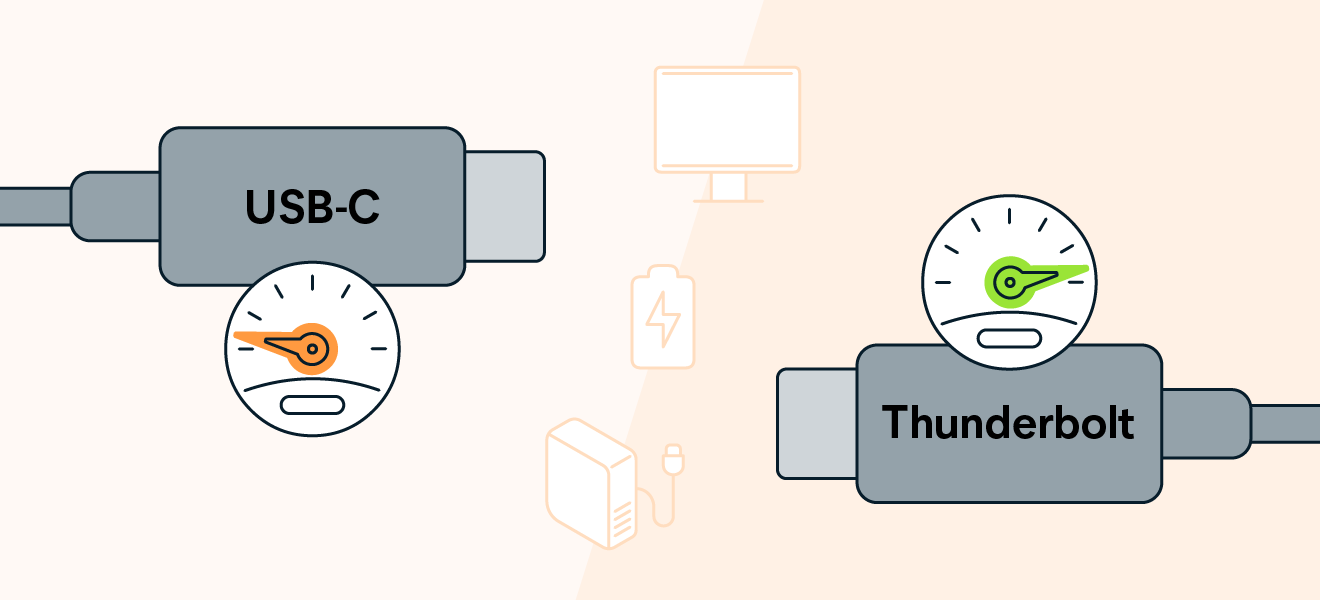
In terms of data transfer speed, Thunderbolt 3 leads the way at 40 gigabits per second, significantly outpacing USB 2.0’s 480 megabits per second. Even the fastest USB technologies, like USB 3.2 Gen 2×2 SuperSpeed Plus, cap at 20 gigabits per second. Until USB 4.0 and Thunderbolt 4 with their 40-gigabit cap arrive, Thunderbolt 3 remains the speed champion.
To summarize, USB Type-C is a connector that supports various USB technology iterations, while Thunderbolt 3 is its distinct hardware interface utilizing the USB Type-C connector. They don’t neatly fit into the same category, making direct comparisons like apples and oranges. However, Thunderbolt 3 stands out as significantly faster within the USB landscape when comparing speed.