Overview
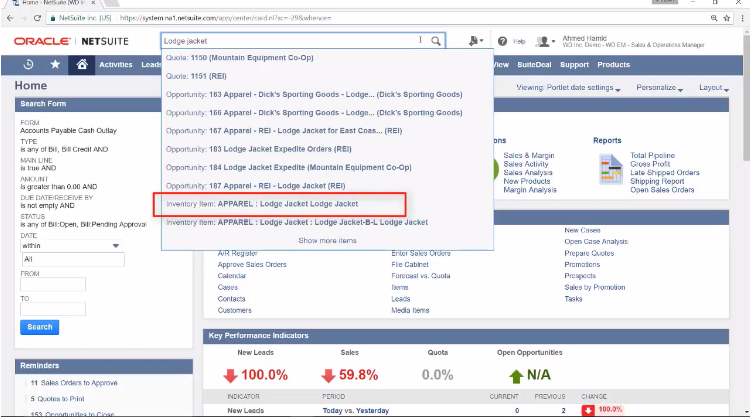
NetSuite Global search is an essential feature to be a pro NetSuite end user. This help to reduce the find any transaction faster and accurate way. Let see how it works
Suitable for
- NetSuite Implementation Consultant
- NetSuite Administrators
- General End Users
How to Search in NetSuite Global Search
- To use global search, enter keywords that map to all or part of a record name or ID in the search field at the top of any page or Click Alt+ G

- Global search keywords can be made up of letters, numbers, dashes, underscores, and % wildcards. Any other characters entered in keywords are considered white space. To restrict the particular transaction or document type you can use some prefixes to filter within the search
- Click enter or choose the transaction which you prefer
NetSuite Global Search Prefix